Quick Start
Copy page
Get started with Inkeep Agents in <1min
Launch your first agent
Prerequisites
Before getting started, ensure you have the following installed on your system:
You can verify by running:
Step 1: Create a new agents project
Run the quickstart script on a target folder:
Navigate to the folder
Open the folder using your favorite coding editor. To open with Cursor, you can run cursor .
Step 2: Run the setup script
Ensure Docker Desktop (or Docker daemon) is running before running the setup script.
Step 3: Launch the dev environment
The Visual Builder will auto-open at http://localhost:3000.
Step 4: Chat with your agent
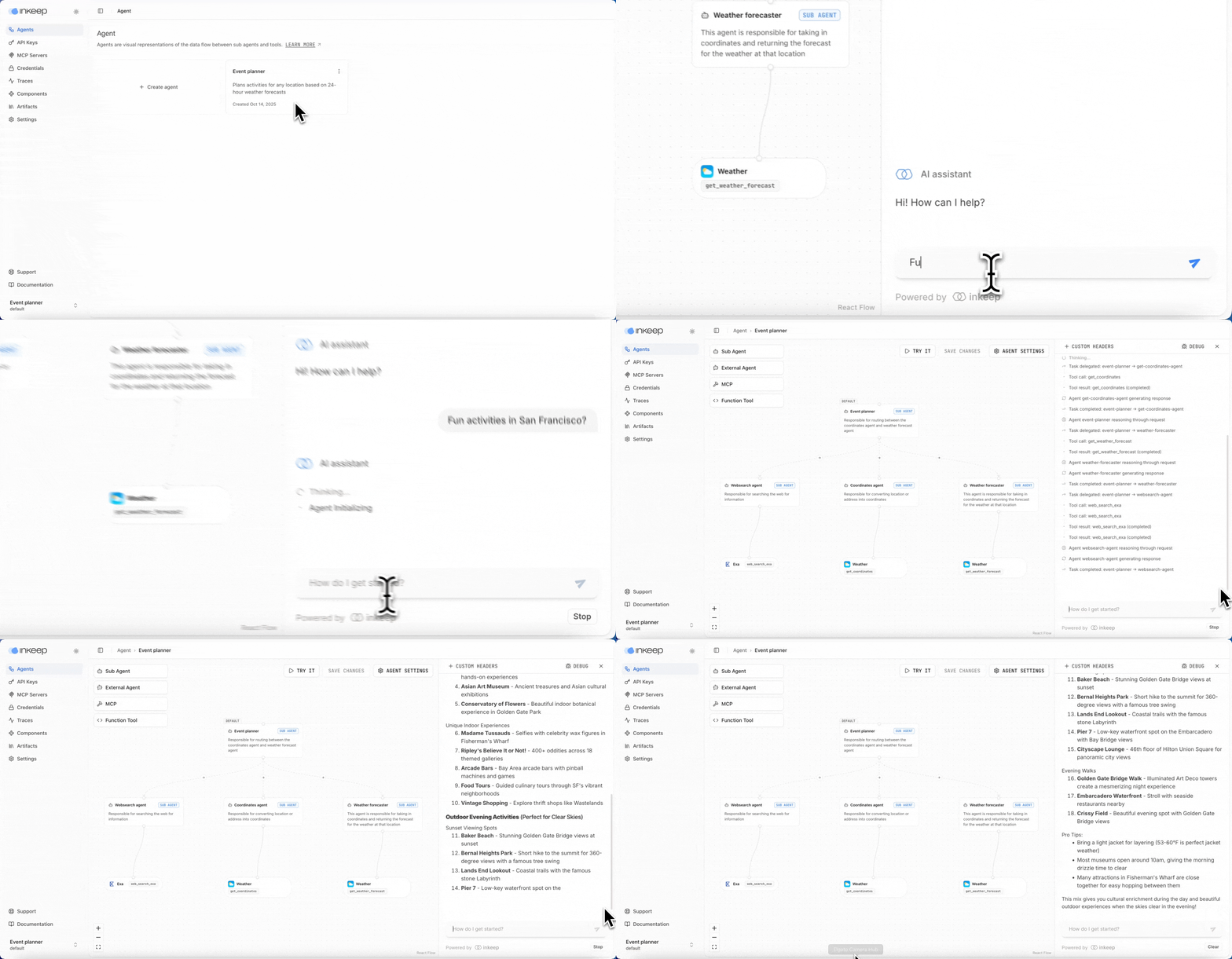
Navigate to the Activities Planner agent at http://localhost:3000, click Try it, and ask about fun activities at a location of your choice:
Step 5: Install Inkeep MCP (optional)
To help "vibe code" agents with Inkeep, add the Inkeep Agents MCP to your preferred IDE.


To add to Claude Code, run this in your terminal:
Or manually add https://agents.inkeep.com/mcp as an MCP Server to any MCP client.
Next steps
Next, we recommend learning about inkeep push and inkeep pull so you can go from SDK -> Visual Builder and Visual Builder -> SDK. See the Push / Pull guide for a quick example.